Live river levels
Review gauge details where available, filter for runnable conditions, save favorite sections, and see the context behind a reading.
Explore river levelsRiver levels, maps, runs, and crews
Explore river sections, check gauge conditions, see rapids and reported hazards, record GPS runs, and keep your paddling crew connected - all in River People.
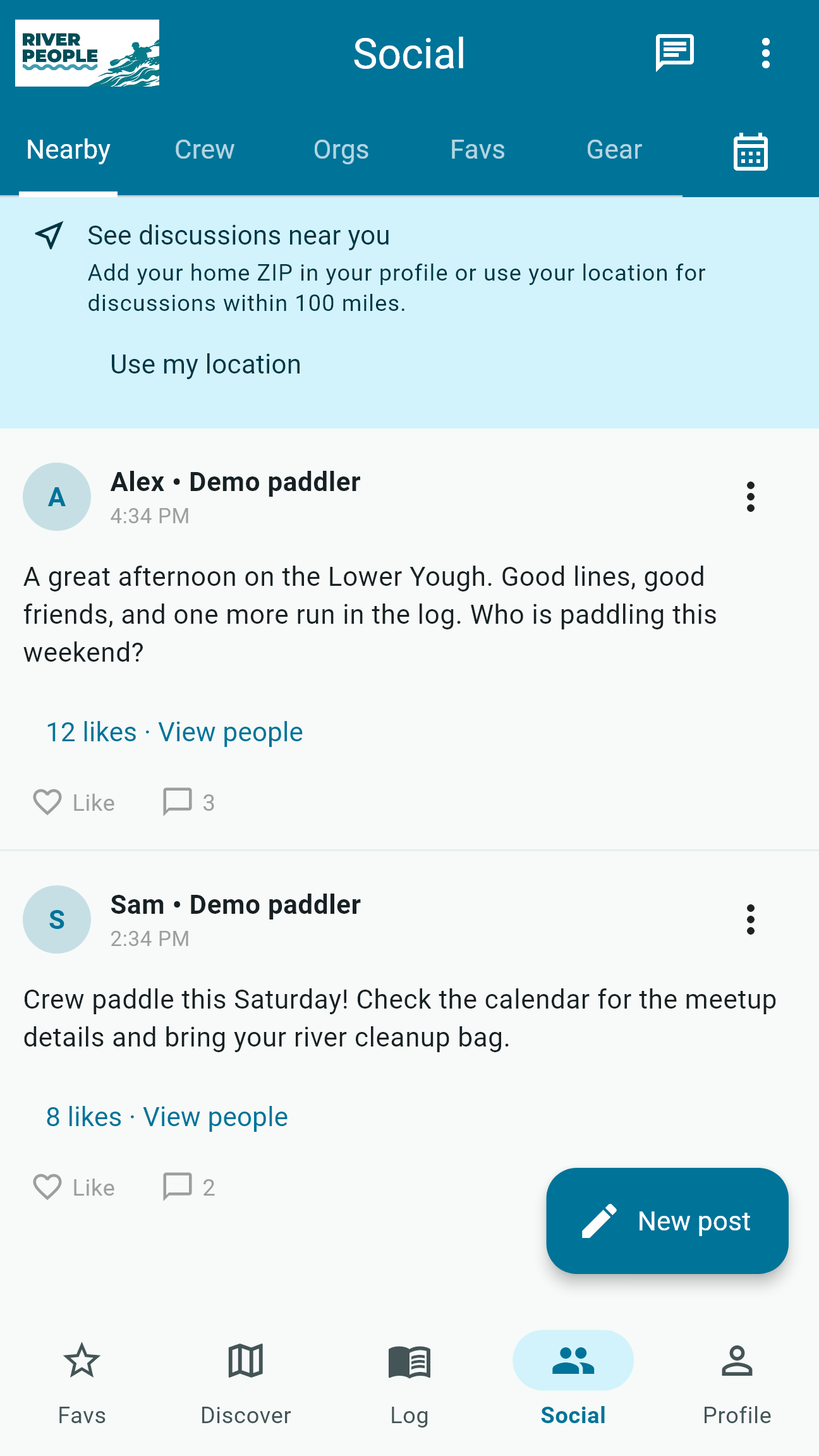
River People brings section details and gauge context into one view so you can narrow the possibilities before checking local access, weather, official sources, and your own skill level.
Plan, paddle, remember
From the first gauge check to the final run note, River People keeps practical river information and your paddling community close.
Review gauge details where available, filter for runnable conditions, save favorite sections, and see the context behind a reading.
Explore river levelsBrowse section maps with difficulty, put-ins, take-outs, nearby rapids, community-reported hazards, and available water-quality context.
Explore river mapsRecord distance, duration, route, notes, vessel, skills, media, and gauge levels at the beginning and end of a run.
Explore run trackingStay current with friends through crews, posts, comments, direct and group messages, and relevant notifications.
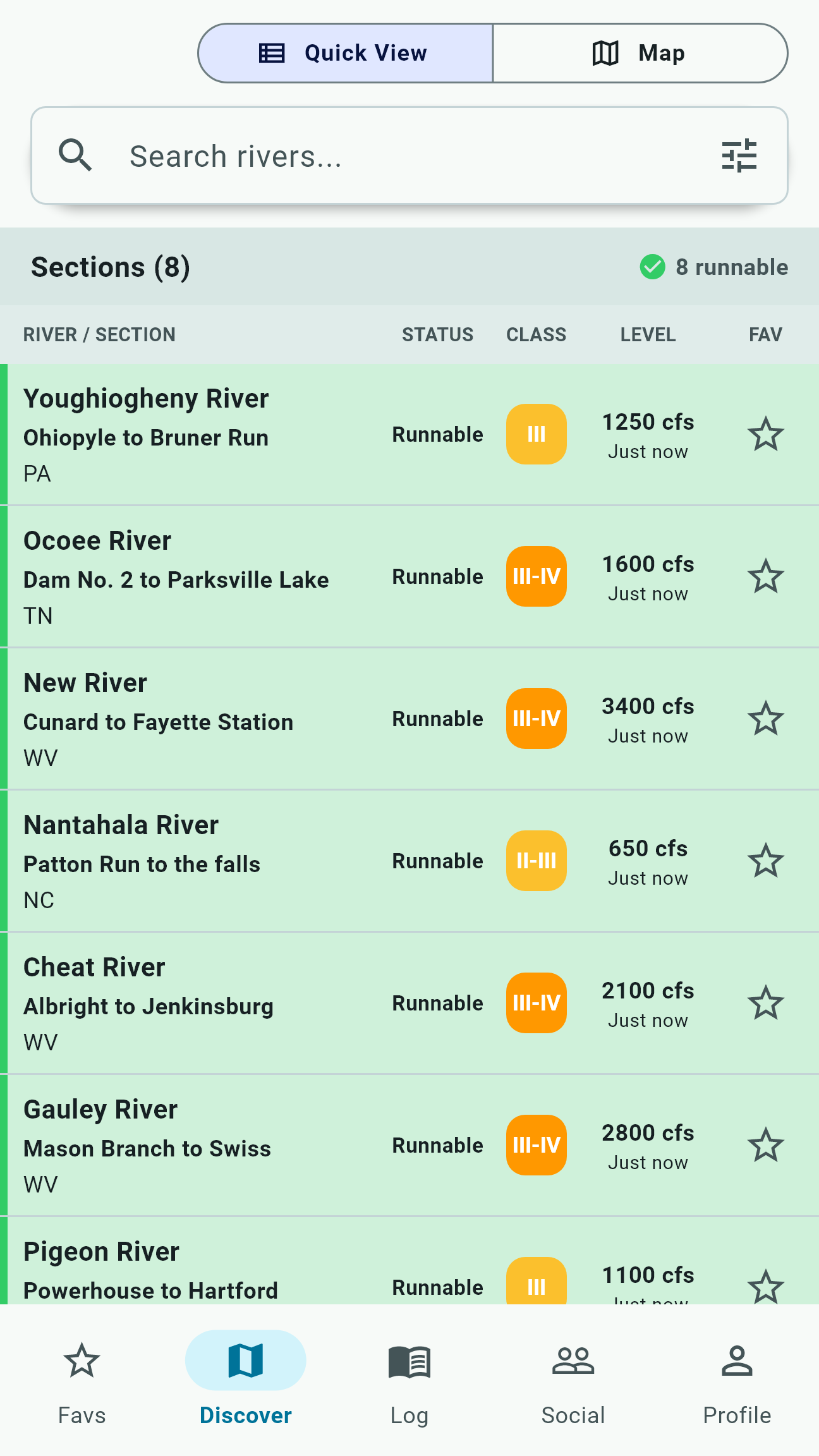
Explore crew toolsDiscover paddling events, manage plans and RSVPs, and use practical shuttle coordination tools for the day.
Explore planning toolsChoose a recording device, review saved runs, and retry transfers through the Apple Watch, Wear OS, and selected Garmin companion apps.
Explore wearablesFind water that fits the day
River People's discovery tools help paddlers move from a crowded map to a useful shortlist. Filter sections by condition, difficulty, trip characteristics, and location, then open the details that matter.
Make the plan together
Use calendars, events, crew connections, messages, and notifications to keep the right people around the same plan without turning every detail into another disconnected thread.
The app in view
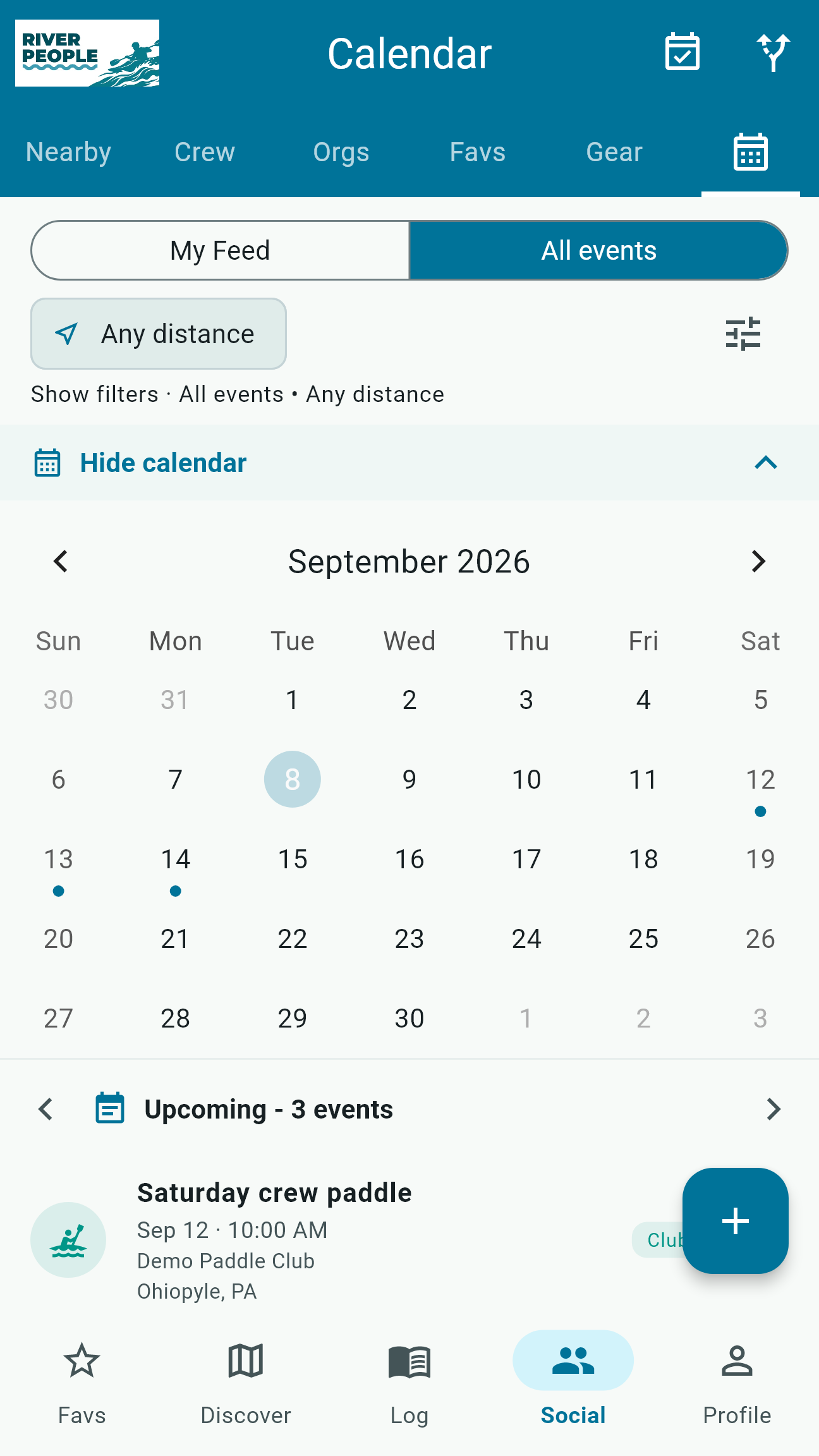
Explore current River People 2.1 screens. All readings, events, and paddler activity shown here are demonstration data. Store availability will follow review and rollout.
Useful river context
River People brings gauge readings, section details, and community reports into one planning view. Coverage and freshness vary by location.
Use the app as a starting point, then verify current conditions, access, weather, and local knowledge before launching.
River People 2.1
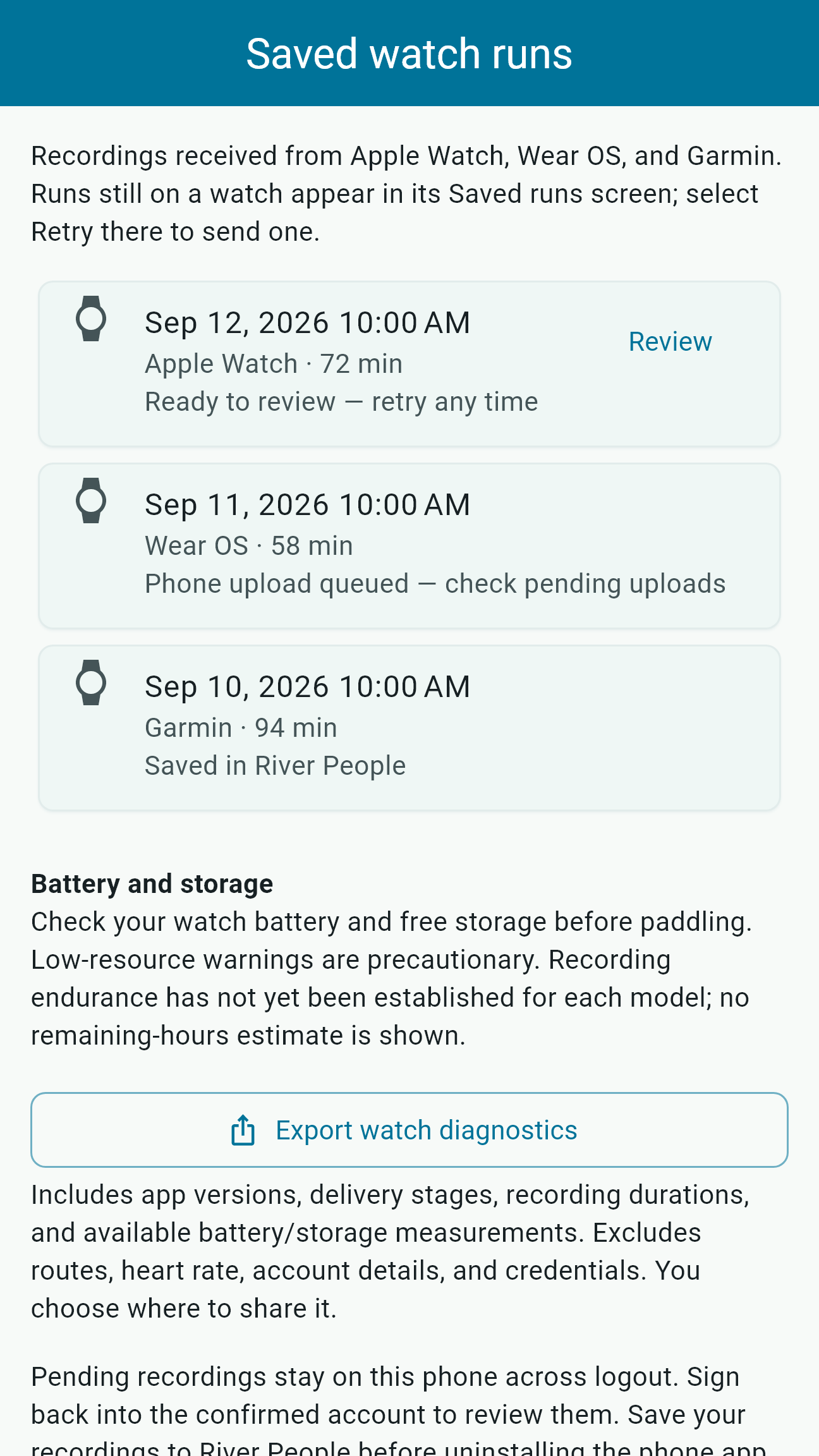
Find water in Quick View, make plans in the calendar, and stay connected with your crew. The new Saved watch runs screen keeps received recordings and their review, upload, and save status in view.
Version 2.1 also adds duplicate-run merging and clearer recording-device choices. Update the phone and watch apps together as the coordinated release becomes available.
Download the new images and video
A 25-second tour of current app screens with demonstration data. No paddler accounts or real trips are shown.
Why we built River People
We want any future conversation with American Whitewater to begin with a maintained product, practical lessons, and evidence that our group is prepared to dedicate the time required.
Our long-term hope is an authorized workflow where paddlers can document firsthand river updates offline, then submit them after reconnecting through American Whitewater's own governance and editorial review.
River People is not affiliated with or endorsed by American Whitewater, does not write to the National Whitewater Inventory, and does not replace AW's official website or apps.
Collaboration is an aspiration we hope to earn through useful work.
River information, gauges, alerts, maps, forecasts, and community reports are planning tools only. Conditions can change quickly. Verify official sources, local access, weather, hazards, your equipment, and the skills of everyone in your group before paddling.
Common questions
Yes. River People is currently listed as a free download on Apple's US App Store and Google Play.
River People displays gauge details and conditions where configured data is available. Coverage, timing, and interpretation vary by section and source.
Yes. Active run tools can collect GPS track points, route, distance, duration, and related run details while recording is active.
The project includes Apple Watch, Wear OS, and selected direct Garmin companion flows for recording, control, transfer, and phone review. Garmin Connect account imports are not currently enabled.
Yes. Community hazard reports add timely context, but they cannot guarantee that every current hazard has been reported.
Use the in-app Contact screen or email contact@bentztech.pro.
Download River People and keep the practical pieces of a whitewater day together.